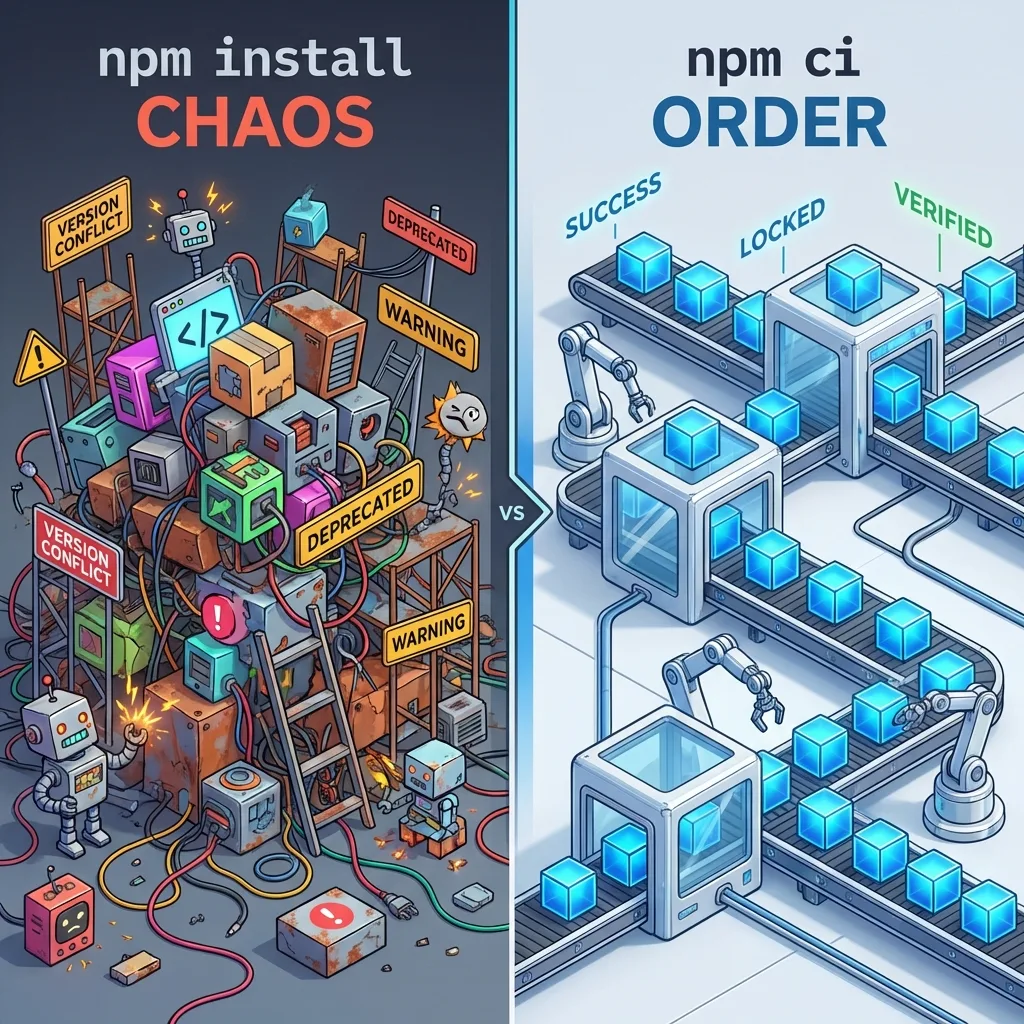
npm install vs npm ci: The DEFINITIVE Guide!
Learn the crucial difference between npm install and npm ci and why using the right command can save your production build and CI/CD from catastrophic failures.
Human-architected research synthesized with the assistance of AI personas.
9 min read
✨TL;DR / Executive Summary
Learn the crucial difference between npm install and npm ci and why using the right command can save your production build and CI/CD from catastrophic failures.
💡 TL;DR (Too Long; Didn't Read)
- Development: Use
npm install(ornpm i) to add, remove, or update packages. It can modify yourpackage-lock.json.- Production/CI/CD: Use
npm cito install dependencies. It's faster, safer, and guarantees 100% reproducible builds using exactly the versions frompackage-lock.json. It never modifies yourpackage.jsonorpackage-lock.jsonfiles.
📊 Complete Comparison Table
| Aspect | npm install | npm ci |
|---|---|---|
| Speed | Average (10-30s) | Fast (5-15s) |
| Deterministic | ❌ Not guaranteed | ✅ 100% reproducible |
Modifies package.json | ❌ No | ❌ No |
Modifies package-lock.json | ✅ Yes | ❌ Never |
Requires package-lock.json | ❌ Optional | ✅ Mandatory |
Removes node_modules first | ❌ No | ✅ Yes (automatic) |
Installs devDependencies | ✅ Yes | ✅ Yes (can disable) |
| Accepts ranges (^, ~) | ✅ Yes | ❌ No (exact only) |
| Adds new deps | ✅ Yes | ❌ No |
| Cache | Uses | Optimized |
| Ideal usage | Local Development | CI/CD & Production |
🔍 Detailed Explanation
npm install (or npm i)
How it works:
bash
npm install

# Internal steps:
# 1. Reads package.json
# 2. Reads package-lock.json (if exists)
# 3. Resolves dependency tree
# 4. Compares with existing node_modules
# 5. Updates only what's necessary
# 6. MAY modify package-lock.json
# 7. Installs to node_modules
When to use:
✅ First time in project:
bash
git clone https://github.com/your-project.git
cd your-project
npm install  # Creates package-lock.json
✅ Add new dependency:
bash
npm install lodash
npm install --save-dev typescript
✅ Update dependencies:
bash
npm install lodash@latest
npm update
✅ Active development:
bash
# Working locally
npm install
Behavior with versions:
json
{
  "dependencies": {
    "next": "^15.0.3"
  }
}
bash
# If 15.0.5 was released:
npm install
# May install 15.0.5 (within range ^)
# Updates package-lock.json with 15.0.5
npm ci (Clean Install)
How it works:
bash
npm ci

# Internal steps:
# 1. Checks if package-lock.json exists (REQUIRED)
# 2. Removes node_modules COMPLETELY
# 3. Installs EXACTLY the versions from lock
# 4. NEVER modifies package-lock.json
# 5. Fails if package.json and lock don't match
# 6. Faster (optimized)
When to use:
✅ CI/CD Pipelines (ALWAYS!):
yaml
# .github/workflows/ci.yml
- name: Install dependencies
  run: npm ci  # Guarantees reproducibility
✅ Production builds (ALWAYS!):
bash
# On server
git pull
npm ci
npm run build
✅ Test environments:
bash
# Docker
RUN npm ci --only=production
✅ After git pull (RECOMMENDED):
bash
git pull origin main
npm ci  # Guarantees same versions as team
✅ Clean problems:
bash
# Something broke? Clean everything
npm ci  # Removes node_modules and reinstalls
Behavior with versions:
json
// package.json
{
  "dependencies": {
    "next": "^15.0.3"
  }
}

// package-lock.json
{
  "next": {
    "version": "15.0.3"
  }
}
bash
# Even if 15.0.5 exists:
npm ci
# Installs EXACTLY 15.0.3 (from lock)
🎮 Real-World Use Cases
Scenario 1: New developer on team
bash
# Day 1 - Clone project
git clone https://github.com/company/project.git
cd project

# Option A: npm install (works)
npm install

# Option B: npm ci (BETTER - faster and exact)
npm ci

# Why npm ci?
# - Faster
# - Guarantees same versions as team
# - Avoids "works on my machine"
Scenario 2: Add library
bash
# Need to add Express
npm install express

# npm ci DOES NOT work here!
# npm ci doesn't add packages

# After adding:
git add package.json package-lock.json
git commit -m "Add express"
git push
Scenario 3: Pull Request Review
bash
# Download PR to test
git fetch origin pull/123/head:pr-123
git checkout pr-123

# Use npm ci (guarantees exact PR deps)
npm ci
npm run build
npm run test
Scenario 4: Automated deploy
bash
# Deploy script
#!/bin/bash
set -e

echo "Deploying to production..."

# 1. Pull latest
git pull origin main

# 2. Install dependencies (USE npm ci!)
npm ci --only=production  # Production only, faster

# 3. Build
npm run build

# 4. Restart
pm2 restart app
Scenario 5: Optimized Dockerfile
dockerfile
FROM node:20-alpine

WORKDIR /app

# Copy package files
COPY package*.json ./

# USE npm ci in Docker!
RUN npm ci --only=production

# Copy code
COPY . .

# Build
RUN npm run build

CMD ["npm", "start"]
Scenario 6: GitHub Actions
yaml
name: CI
on: [push, pull_request]

jobs:
  test:
    runs-on: ubuntu-latest
    steps:
      - uses: actions/checkout@v3

      - name: Setup Node
        uses: actions/setup-node@v3
        with:
          node-version: 20
          cache: 'npm'  # npm ci cache

      - name: Install dependencies
        run: npm ci  # ALWAYS use npm ci here!

      - name: Type check
        run: npm run type-check

      - name: Lint
        run: npm run lint

      - name: Build
        run: npm run build

      - name: Test
        run: npm run test
⚠️ Common Problems and Solutions
Problem 1: npm ci fails with "no such file package-lock.json"
bash
# Error:
npm ci
# Error: The package-lock.json file is missing

# Cause: package-lock.json not committed

# Solution:
npm install  # Creates lock
git add package-lock.json
git commit -m "Add package-lock.json"
Prevention:
gitignore
# DO NOT add this to .gitignore!
# package-lock.json  ❌ NEVER!

# Always commit package-lock.json
Problem 2: "Works on my machine, but not in CI"
bash
# Dev:
npm install  # Installs version 15.0.5

# CI:
npm ci      # Installs version 15.0.3 (from old lock)

# Problem: Different versions!

# Solution: Always commit updated lock
npm install  # Updates lock
git add package-lock.json
git commit -m "Update dependencies"
git push
Problem 3: npm ci is slow
bash
# npm ci should be faster, but it's slow?

# Cause 1: Cache disabled
npm config get cache
# If empty, configure:
npm config set cache ~/.npm --global

# Cause 2: node_modules very large
# npm ci removes before installing, may take time

# Solution: Clean before
rm -rf node_modules
npm ci
Problem 4: Conflict between package.json and lock
bash
npm ci
# Error: The package-lock.json was created for a different version

# Cause: package.json changed but lock wasn't updated

# Solution:
npm install  # Updates lock
npm ci      # Now works
🎯 Decision Rules
Use npm install when:
bash
# ✅ Add/remove packages
npm install express
npm uninstall lodash

# ✅ Update dependencies
npm update
npm install react@latest

# ✅ First setup (create lock)
npm install

# ✅ Active local development
npm install
Use npm ci when:
bash
# ✅ CI/CD (ALWAYS!)
npm ci

# ✅ Production (ALWAYS!)
npm ci --only=production

# ✅ After cloning repository
git clone ... && npm ci

# ✅ After git pull
git pull && npm ci

# ✅ Automated tests
npm ci && npm test

# ✅ Docker builds
RUN npm ci

# ✅ Guarantee reproducibility
npm ci
📈 Performance Benchmark
Medium project (100 deps):
bash
# First installation
npm install    # ~25 seconds
npm ci         # ~15 seconds (40% faster!)

# Installation with cache
npm install    # ~10 seconds
npm ci         # ~5 seconds  (50% faster!)

# With existing node_modules
npm install    # ~8 seconds  (only updates)
npm ci         # ~15 seconds (removes all first)
Conclusion:
npm ciis faster when there's nonode_modulesnpm installcan be faster ifnode_modulesalready exists
🛠️ Useful Related Commands
bash
# See what would be installed (without installing)
npm install --dry-run

# Install production only
npm ci --only=production
npm install --production

# Force complete reinstall
rm -rf node_modules package-lock.json
npm install

# See differences between package.json and lock
npm ls --depth=0

# Verify lock integrity
npm audit

# Clean cache before installing
npm cache clean --force
npm ci
🎨 Recommended Scripts
Add to your package.json:
json
{
  "scripts": {
    "install:ci": "npm ci",
    "install:fresh": "rm -rf node_modules package-lock.json && npm install",
    "install:prod": "npm ci --only=production",
    "postinstall": "echo 'Dependencies installed successfully!'",
    "preinstall": "node -v && npm -v"
  }
}
✅ Final Checklist
For Development:
- Use
npm installto add deps - Commit
package-lock.jsonalways - Use
npm ciaftergit pull - Don't ignore
package-lock.jsonin git
For CI/CD:
- ALWAYS use
npm ci - Enable npm cache
- Use
--only=productionif possible - Fail build if
npm cifails
For Production:
- ALWAYS use
npm ci --only=production - Never use
npm installin production - Verify package-lock.json before deploy
- Keep Node.js updated
📚 Visual Summary
| npm install | npm ci |
|---|---|
| 📝 Development | 🚀 CI/CD |
| ➕ Add deps | ✅ Production |
| 🔄 Update deps | 🔒 Reproduction |
| 🎨 Create lock | ⚡ Performance |
🎓 Executive Summary
For 99% of cases:
- Local development:
npm install - CI/CD and Production:
npm ci - After git pull:
npm ci - Add deps:
npm install <package> - Problems:
rm -rf node_modules && npm ci
Golden rule:
- If you will modify dependencies →
npm install - If you will install dependencies →
npm ci