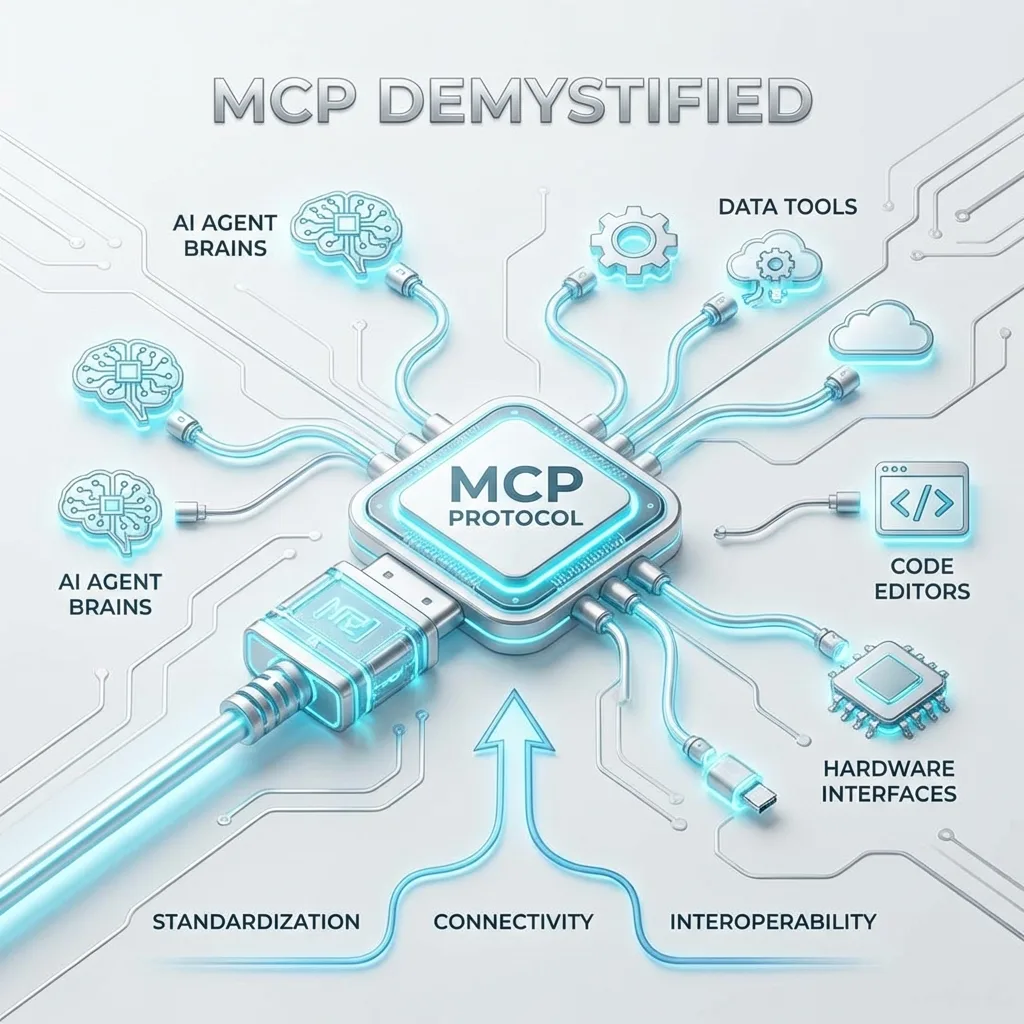
MCP Demystified: The Protocol That's Becoming USB-C for AI Agents
A deep technical analysis of the Model Context Protocol (MCP). Understand the architecture, the three primitives (tools, resources, prompts), the JSON-RPC...
✨TL;DR / Executive Summary
A deep technical analysis of the Model Context Protocol (MCP). Understand the architecture, the three primitives (tools, resources, prompts), the JSON-RPC...
💡 TL;DR (Too Long; Didn't Read)
The Model Context Protocol (MCP) is an open protocol that standardizes how LLMs connect to external tools. Launched by Anthropic in November 2024 and donated to the Linux Foundation in December 2025, MCP solves the N×M integration problem (N models × M services) by reducing it to N+M. The three-layer architecture (host, client, server) with three primitives (tools, resources, prompts) and JSON-RPC 2.0 wire format allows any MCP client to connect to any MCP server without custom integrations.
If you've touched any AI-powered development tool in the past year—Claude, ChatGPT, Cursor, GitHub Copilot, or VS Code—you've likely interacted with the Model Context Protocol without knowing it. MCP has quietly become the connective tissue between large language models and the outside world, and understanding it is no longer optional for engineers building anything that touches AI.
This article strips away the marketing hype to explain what MCP actually is, why it exists, and how it works at the protocol level.
The Problem MCP Solves
Before MCP, connecting an LLM to external tools meant building custom integrations for every combination of model and service. Want Claude to query your database? Build an integration. Want GPT-4 to read your Google Drive? Build another integration. Want both models to access both services? That's four integrations, each with its own authentication flow, error handling, and data format.
This is the classic N×M problem. With N language models and M external services, you need N×M integrations. At small scale, this is manageable. At the scale of the current AI ecosystem—dozens of capable models and thousands of useful services—it becomes untenable.
MCP addresses this by introducing a standard interface:
Services implement the MCP server specification once, and any MCP-compatible client can connect to them. Models integrate with the MCP client specification once, and they can access any MCP server. The N×M problem becomes N+M.
Architecture: Hosts, Clients, and Servers
MCP uses a three-layer architecture that separates concerns cleanly.
Host
The host is the application that users interact with directly. Claude Desktop, VS Code with Copilot, Cursor, and custom applications all function as hosts. The host manages the user interface, handles authentication, and coordinates between the user, the language model, and various MCP connections.
Client
The client lives inside the host and handles communication with MCP servers. A single host typically runs multiple clients, one for each server connection. The client manages the connection lifecycle, translates between the host's internal representation and MCP's wire format, and handles capability negotiation.
Server
The server provides access to external capabilities. An MCP server might expose a database, a file system, an API, or any other resource an LLM might need.
The Three Primitives: Tools, Resources, and Prompts
MCP servers expose capabilities through three primitives, each designed for a different interaction pattern.
Tools: Actions the Model Can Take
Tools are functions the LLM can call. A tool has a name, a description (which the LLM uses to decide when to call it), and a schema defining its parameters.
{
  "name": "query_database",
  "description": "Executes a read-only SQL query against the customers database. Use to retrieve customer information, sales data, or order history.",
  "inputSchema": {
    "type": "object",
    "properties": {
      "sql": {
        "type": "string",
        "description": "The SQL query to execute. Must be a SELECT statement."
      },
      "limit": {
        "type": "integer",
        "description": "Maximum number of rows to return",
        "default": 100,
        "maximum": 1000
      }
    },
    "required": ["sql"]
  }
}
Resources: Data the Model Can Read
Resources are data sources the LLM can read. Unlike tools, resources don't take parameters or perform actions; they simply provide content. A resource can be a file, a database table, an API response, or any other data the LLM might need for context.
{
  "uri": "file:///project/config.json",
  "name": "Project Configuration",
  "mimeType": "application/json"
}
Prompts: Templates for Common Tasks
Prompts are pre-defined templates that help users accomplish specific tasks. A prompt might be "Summarize this pull request" or "Generate unit tests for this function."
{
  "name": "review_pr",
  "description": "Generates a full code review for a pull request",
  "arguments": [
    { "name": "owner", "required": true },
    { "name": "repo", "required": true },
    { "name": "pr_number", "required": true },
    { "name": "focus", "description": "Specific areas to focus on", "required": false }
  ]
}
The Wire Format: JSON-RPC 2.0
MCP messages use JSON-RPC 2.0, a lightweight remote procedure call protocol. If you've worked with Language Server Protocol (LSP), this will look familiar—LSP also uses JSON-RPC 2.0.
Request
{
  "jsonrpc": "2.0",
  "id": 1,
  "method": "tools/call",
  "params": {
    "name": "query_database",
    "arguments": {
      "sql": "SELECT * FROM customers ORDER BY revenue DESC LIMIT 10"
    }
  }
}
Response
{
  "jsonrpc": "2.0",
  "id": 1,
  "result": {
    "content": [
      {
        "type": "text",
        "text": "| customer_id | name | revenue |..."
      }
    ]
  }
}
Error
{
  "jsonrpc": "2.0",
  "id": 1,
  "error": {
    "code": -32602,
    "message": "Invalid params: 'sql' field is required"
  }
}
Transport Layers
MCP is transport-agnostic. In practice, three transport mechanisms dominate:
| Transport | Use Case | Pros | Cons |
|---|---|---|---|
| STDIO | Local development | Simple, no network config | Local only |
| HTTP/SSE | Remote servers | Works across networks, multiple clients | Connection complexity |
| Streamable HTTP | Modern production | Single bidirectional stream | Newer |
STDIO (Standard Input/Output)
The host spawns the server as a subprocess and communicates via stdin/stdout pipes:
# Claude Desktop executes:
node /path/to/mcp-server.js
# And communicates via stdin/stdout
Critical Warning: If your server writes debug messages to stdout, they will corrupt the JSON-RPC stream. Always use stderr for logs!
Capability Negotiation
When a client connects to a server, they perform a handshake that establishes protocol version and capabilities:
1. Client sends initialize
{
  "jsonrpc": "2.0",
  "id": 1,
  "method": "initialize",
  "params": {
    "protocolVersion": "2024-11-05",
    "capabilities": {
      "roots": { "listChanged": true },
      "sampling": {}
    },
    "clientInfo": {
      "name": "Claude Desktop",
      "version": "1.2.0"
    }
  }
}
2. Server responds with its capabilities
{
  "jsonrpc": "2.0",
  "id": 1,
  "result": {
    "protocolVersion": "2024-11-05",
    "capabilities": {
      "tools": { "listChanged": true },
      "resources": { "subscribe": true },
      "prompts": { "listChanged": true }
    },
    "serverInfo": {
      "name": "PostgreSQL MCP",
      "version": "0.5.0"
    }
  }
}
3. Client sends initialized
{
  "jsonrpc": "2.0",
  "method": "notifications/initialized"
}
Comparing MCP with Alternatives
| Approach | Description | Limitation |
|---|---|---|
| Native Function Calling | OpenAI, Anthropic offer directly in APIs | Doesn't solve N×M; every app builds integrations |
| LangChain/Frameworks | Abstractions over tools and workflows | They are libraries, not protocols; not portable |
| Custom APIs | You build exactly what you need | Engineering and maintenance cost |
| MCP | Standardized protocol | Balance between standardization and flexibility |
Who's Using MCP
The adoption curve has been steep:
- 97 million monthly SDK downloads
- 10,000+ servers listed across registries
- 1 million pulls from Docker's MCP Catalog
- Integration into Claude, ChatGPT, Cursor, VS Code Copilot, Gemini
The Linux Foundation's Agentic AI Foundation now governs the protocol, signaling that it's intended as a neutral standard rather than an Anthropic-controlled specification.
What MCP Doesn't Solve
Security: MCP is a protocol, not a security model. It doesn't define how to authenticate users, authorize access, or prevent abuse.
LLM Limitations: Models can misunderstand tool descriptions, generate invalid arguments, or call tools inappropriately.
Operational Work: You still need to configure connections, manage credentials, handle errors, and monitor behavior.
Next Steps
This is the first part of a 5-article series on MCP:
- MCP Demystified (you are here)
- Building Your First Production MCP Server
- MCP Security: Tool Poisoning and Prompt Injection
- MCP in Production: Registries, Docker, and Enterprise Patterns
- The Future of MCP: Agents, Composability, and What Comes Next
References
"Deep understanding is the foundation of good engineering decisions."
— Athena, AI Specialist @ gsstk