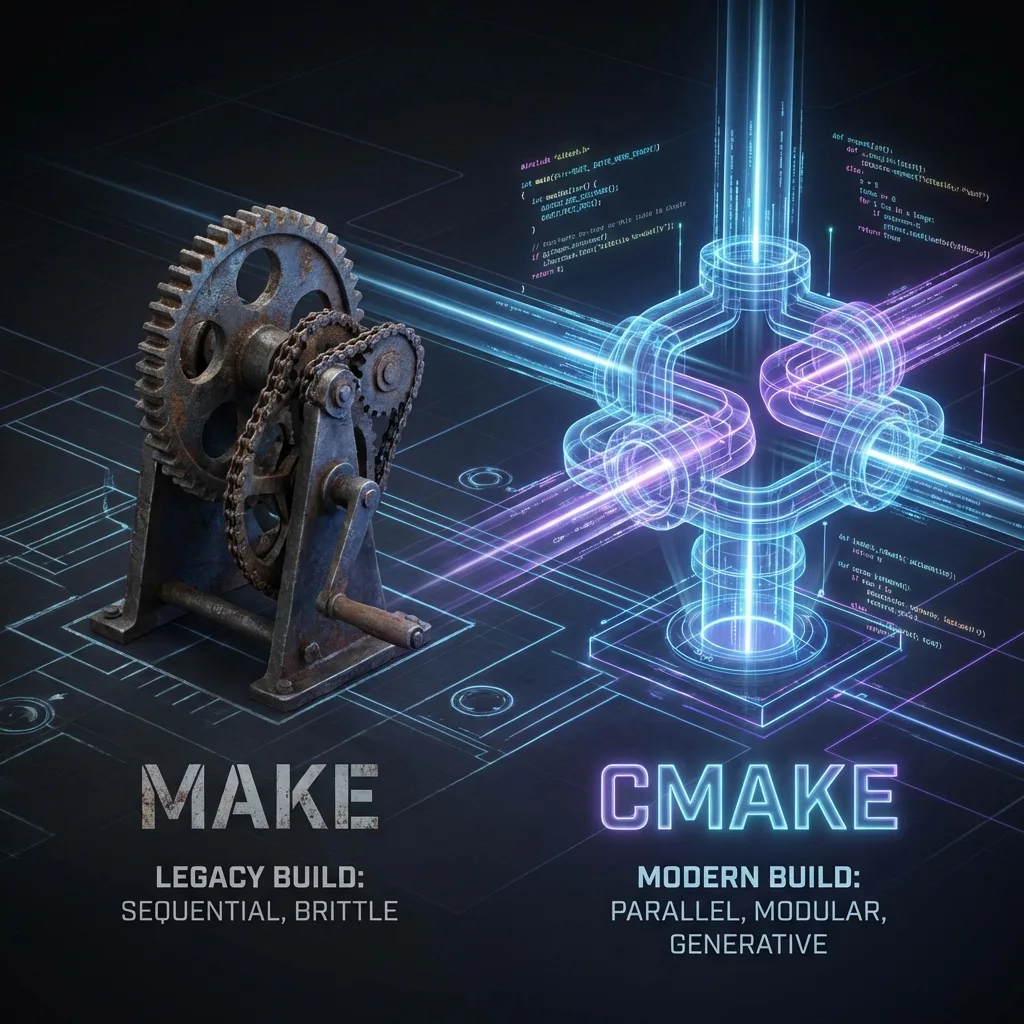
The Modern Makefile Manifesto: Why `make` is no longer enough
A deep analysis of 'make' limitations in modern projects and why 'cmake' represents a necessary philosophical evolution for software engineering.
✨TL;DR / Executive Summary
A deep analysis of 'make' limitations in modern projects and why 'cmake' represents a necessary philosophical evolution for software engineering.
💡 TL;DR (Too Long; Didn't Read)
makeis a genius tool for incremental compilation, but its imperative model doesn't scale to modern challenges, like cross-compilation, dependency management, and IDE integration.cmakesolves this by changing the paradigm: instead of telling the computer how to build, you declare what your project is.cmakethen generates native build files (like Makefiles or Visual Studio projects), abstracting platform complexity and allowing you to focus on your software's logic, not your build configuration.
I vividly remember the ozone smell of a CRT terminal and the tactile satisfaction of typing make and seeing a complex system, with dozens of C files, compiled and linked in the exact order with maximum efficiency. For decades, make was more than a tool; it was a reliable companion in the software engineering trenches. Its simplicity, based on the target: dependencies relationship, is a work of genius that solved the fundamental problem of incremental compilation elegantly.
Throughout my 40-year career, from firmware for telephone exchanges to payment systems embedded in Android terminals, I've written Makefiles that were true works of art: complex, efficient, and perfectly tuned for the task.
If you, like me, have this experience, I understand your skepticism. Why trade something that works, that you master, for a new layer of abstraction that seems, at first glance, to just complicate things?
The answer is simple and brutal: the world around us has changed, and the foundations on which make was built have begun to show cracks under the weight of new demands. This isn't an article to denigrate make, but a manifesto to recognize its limits and embrace a necessary evolution.
A Brief and Respectful Ode to make
Created in 1976 at Bell Labs, make was designed for a world where a project meant, most of the time, compiling C code on a single UNIX system. Its power lies in two things: a dependency graph and timestamp checking. It knows what needs to be rebuilt and executes only the necessary commands. For that era, and for a long time after, this was all we needed. It gave us reproducible and fast builds. It's the grandfather of all modern build automation systems, and deserves our respect.
Cracks in the Foundation: Where the Modern World Breaks make
The problem isn't that make got bad. The problem is that our projects got hellishly more complex. Think about your current projects and see if these pain points aren't familiar:
-
The Tyranny of Cross-Compilation: In the embedded world, we rarely compile for the target architecture. We compile for ARM on an x86 machine. With
make, this means manually managing environment variables (CC,CXX,CFLAGS,LDFLAGS) to point to the correct toolchain. If you need to support multiple targets (e.g., one for x86 simulation, another for 32-bit ARM hardware, and a third for 64-bit ARM), your Makefile transforms into a nearly unreadable monster ofifeq ... else ... endifconditionals. -
The Treasure Hunt for Dependencies: Your project uses OpenSSL, zlib, and maybe a proprietary library from a hardware vendor. Where are the headers? Where are the
.soor.afiles? Withmake, the answer is a fragile combination of-I/path/to/includeand-L/path/to/libflags, often with hardcoded paths that break on a colleague's machine or on the continuous integration server. Tools likepkg-confighelp, but it's another external dependency to manage. -
The Debug vs. Release Dilemma: How do you manage different build configurations? The common approach is something like
make DEBUG=1. But this has a fundamental flaw: object files (.o) generated with debug flags are incompatible with release ones. If you're not extremely careful, you end up linking a mix of both. The safe solution?make clean && make. This destroys the purpose of incremental compilation. The alternative, having separate build directories, requires even more complex logic in the Makefile. -
The Wall Between Build and IDEs: Modern IDEs like VSCode, CLion, or Visual Studio offer powerful code analysis features, like autocomplete and refactoring. But for this, they need to understand your project: where are the includes, what are the preprocessor definitions, etc. Trying to extract this information from a complex and non-trivial Makefile is, at best, imprecise. The result is an "IntelliSense" that fails and underlines your valid code with false errors.
The Paradigm Shift: cmake is not what you Think
This is where cmake enters, and the first step to understanding it is abandoning a preconceived idea: cmake is not a replacement for make.
Think about this for a moment. cmake is a build system generator.
Its function isn't to compile your code. Its function is to understand the logical structure of your project and, from it, generate the native build files for the platform you choose.
Using an analogy from my field: a Makefile is like assembling an electronic circuit directly on a breadboard, soldering each component and wire by hand. It works for that specific prototype. CMakeLists.txt is like designing the circuit in CAD software. From that single project (the "schematic"), you can generate files to manufacture the printed circuit board (a Makefile), or perhaps files for software simulation (a Visual Studio project), or for a different automated assembly machine (a build with Ninja).
CMakeLists.txt captures the intent of your project, not the specific commands to build it.
First Contact: Declarative vs. Imperative
Let's see the difference in practice with the simplest possible project: a "Hello, World".
Directory structure:
hello_cmake/
├── CMakeLists.txt
└── main.cmain.c:
#include <stdio.h>

int main() {
    printf("Hello, Make veteran!\n");
    return 0;
}
The make way (Imperative):
Makefile:
CC=gcc
CFLAGS=-I.

hello_world: main.o
	$(CC) -o hello_world main.o

main.o: main.c
	$(CC) -c main.c $(CFLAGS)

clean:
	rm -f *.o hello_world
Notice how we're telling make how to do things: "execute this gcc command to create main.o".
The cmake way (Declarative):
CMakeLists.txt:
# Minimum CMake version (good practice)
cmake_minimum_required(VERSION 3.10)

# Define the project name
project(HelloWorld C)

# Add an executable called "hello_world" from source "main.c"
add_executable(hello_world main.c)
See the fundamental difference. We didn't mention gcc. We didn't talk about .o files. We just declared our project: "this project is called HelloWorld, it's written in C, and it has an executable called hello_world that comes from main.c".
How to build with cmake?
The recommended practice is to create a separate build directory ("out-of-source build"), solving the problem of polluting your source code.
# 1. Create and enter the build directory
mkdir build && cd build

# 2. Configure the project. CMake inspects the system and generates the Makefile
cmake ..

# 3. Build the project. CMake invokes 'make' under the hood.
cmake --build .
If you inspect the build directory, you'll find an automatically generated Makefile, much more complex and robust than what we wrote by hand. cmake did the dirty work for us. If we were on Windows with Visual Studio installed, the same cmake .. command could have generated a HelloWorld.sln file.
Conclusion of Part One
Today, we didn't solve all problems, but established the conceptual foundation. The shift from make to cmake isn't about learning new syntax for the same old tricks. It's a shift in philosophy: from telling the computer how to build, to describing what your project is and letting the tool figure out the best way to build it in any environment.
This abstraction is the key to solving the cross-compilation, dependency, and tool integration problems that plague modern projects. We stop fighting with the details of each platform and start focusing on our software's logical structure.
In our next article, we'll put this theory into practice. We'll take a more complex project, with libraries and multiple components, and see how "Modern CMake" commands elegantly solve the problems that make us lose sleep over Makefiles. The journey has just begun.