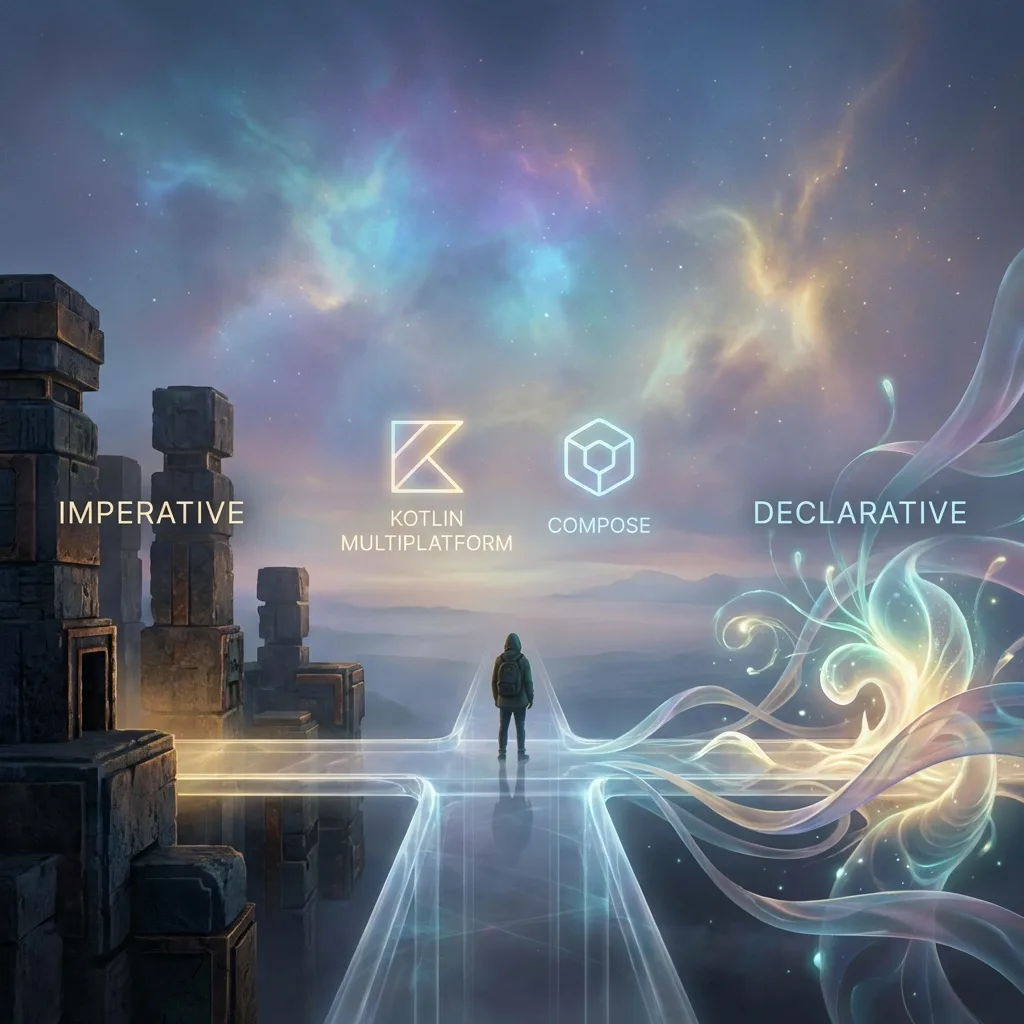
Modern Android Development Philosophy: Beyond the Code
The philosophical principles behind modern Android architecture: declarative over imperative, single source of truth, and why the shift matters.
✨TL;DR / Executive Summary
The philosophical principles behind modern Android architecture: declarative over imperative, single source of truth, and why the shift matters.
💡 TL;DR (Too Long; Didn't Read)
- Declarative Paradigm: The shift from giving step-by-step instructions (imperative) to describing the desired state (declarative) is the biggest evolution in UI development in the last 10 years
- Single Source of Truth: Each type of data should have a single authoritative source (Repository pattern), eliminating divergences and simplifying debugging
- Event-Driven Architecture: Android apps constantly react to events (lifecycle, clicks, connectivity), and modern architecture was built to embrace this reality
- Convergence on Kotlin + Compose + KMP: The future is Kotlin as the language, Compose as the declarative UI framework, and KMP for sharing logic across platforms
- Key Takeaway: You've transitioned from "mechanic who uses tools" to "architect who understands principles" - this shift is what separates development from engineering
Estimated Reading Time: 25 minutes
You've completed an intense journey. From Kotlin syntax to MVVM architecture, you now have the tools to build robust and modern Android applications. But what differentiates a good engineer from a great engineer is not just knowledge of tools, but understanding the philosophy behind them.
Why did architecture evolve to MVVM? Why is Jetpack Compose the future? Why was Kotlin chosen as the primary language?
This final article is a reflection. It's an attempt to answer these questions, connecting the technical dots into a cohesive worldview. It's the guide that will help you make the right architectural decisions not because you memorized a pattern, but because you understand the fundamental principles that govern it.
Principle 1: The Shift from Imperative to Declarative
This is perhaps the most important concept and the biggest paradigm shift in UI development in the last decade.
Imperative UI (The Past)
You give step-by-step orders. "Find the view with ID R.id.text_view. Change its text to 'Hello'. Change its color to blue. If the user clicks the button, do this, then that."
The code is a set of instructions that modifies the UI state. It's like giving turn-by-turn directions to a driver. If the driver takes the wrong path, the map becomes useless.
// Imperative - you give explicit instructions
val myButton = findViewById<Button>(R.id.my_button)
myButton.text = "Click here"
myButton.setOnClickListener {
    val textView = findViewById<TextView>(R.id.my_text)
    textView.text = "Button was clicked!"
    textView.setTextColor(Color.BLUE)
}
Declarative UI (The Present and Future)
You describe the desired result based on a state. "The UI should be like this when the state is 'loading'. The UI should be like this when the state is 'success with this data'."
You don't care about how the UI gets there; you just declare what the final result should be for any possible state. It's like giving the destination address to the driver. The GPS (the framework) handles the route, detours, and real-time updates.
// Declarative - you describe the desired state
@Composable
fun MyScreen(uiState: UiState) {
    when (uiState) {
        is UiState.Loading -> {
            LoadingIndicator()
        }
        is UiState.Success -> {
            Button(
                text = "Click here",
                onClick = { /* ... */ }
            )
            Text(
                text = "Button was clicked!",
                color = Color.Blue
            )
        }
    }
}
Where Did We See This?
LiveData/StateFlow: They are the reactive and declarative incarnation in the XML Views world. You don't say "update the text when the data arrives". You say "this TextView observes this LiveData and its content will always be the most recent value from it".
Jetpack Compose: This is the pinnacle of declarative. With Compose, you no longer have XML files. The UI is described entirely in Kotlin functions that are called whenever the state changes. The UI is a function of state: UI = f(state).
Why Is This Better?
- Predictability: The UI is a direct function of state. If there's a bug in the UI, the problem is in the state that generated it. This immensely simplifies debugging.
- Less Boilerplate Code: You stop managing view lifecycles, manually updating them, and worrying about inconsistent states.
- Safe Concurrency: When the UI is a function of state, multiple threads can safely modify the state, and the UI will always converge to the correct representation.
Principle 2: Single Source of Truth
In any non-trivial application, data can come from multiple sources: a remote API, a local database, an in-memory cache, user preferences. Architectural chaos arises when different parts of the application have conflicting views of this data.
Modern Android philosophy advocates that each type of data should have a single, authoritative source.
Where Did We See This?
The Repository Pattern: The Repository is the guardian of the Single Source of Truth. The UI (ViewModel) neither knows nor cares if the data came from the network or disk. It just asks the Repository: "Give me the user list". The Repository implements the logic to decide where to fetch this data from.
// The Repository is the Single Source of Truth
class UserRepository(
    private val api: UserApi,
    private val database: UserDatabase
) {
    fun getUsers(): Flow<Result<List<User>>> = flow {
        emit(Result.Loading)

        // Strategy: fetch from network, save to database, expose database as the truth
        try {
            val networkUsers = api.fetchUsers()
            database.insertAll(networkUsers)
            emit(Result.Success(database.getAllUsers()))
        } catch (e: Exception) {
            // If network fails, use database cache
            val cachedUsers = database.getAllUsers()
            if (cachedUsers.isNotEmpty()) {
                emit(Result.Success(cachedUsers))
            } else {
                emit(Result.Error(e))
            }
        }
    }
}

// The ViewModel just consumes, doesn't manage
class UserViewModel(private val repository: UserRepository) {
    val users: StateFlow<Result<List<User>>> = repository.getUsers()
        .stateIn(viewModelScope, SharingStarted.Lazily, Result.Loading)
}

// The UI just reacts
viewModel.users.collect { result ->
    when (result) {
        is Result.Success -> showUsers(result.data)
        is Result.Error -> showError(result.error)
        is Result.Loading -> showLoadingIndicator()
    }
}
Benefits
- Consistency: The entire application works with the same data, eliminating divergent states. If the user list changes in one place, all screens displaying users see the change automatically.
- Simplicity: Data access logic is centralized in a single place. Adding a new data source (e.g., server sync) doesn't require changing the ViewModel or UI.
- Testability: You can mock the Repository to test the ViewModel with predictable data, completely isolating UI logic from data logic.
Principle 3: Event-Driven and Lifecycle-Oriented Architecture
An Android application is not a linear script that runs from start to finish. It's a system that constantly reacts to events: user clicks, connectivity changes, incoming notifications, and most critically, lifecycle events (screen rotation, app going to background).
Modern architecture was built to embrace this chaotic nature, instead of fighting against it.
Where Did We See This?
ViewModel: Its existence is a direct response to the "configuration change" event. It's the tool to survive this event.
LiveData: Its "lifecycle-aware" nature is a direct response to "start" and "end" events of an Activity/Fragment. It ensures the UI only reacts to data events when it's in an appropriate state to do so, preventing crashes and memory leaks.
Coroutines and viewModelScope: Coroutines allow handling long-running events (like a network call) without blocking the UI. The viewModelScope ensures these long-running operations are automatically cancelled if the "ViewModel destruction" event occurs, preventing unnecessary work and leaks.
The Mindset: Event Orchestration
Think of your app as an event orchestrator:
-
User clicks (event) → ViewModel receives the event → ViewModel emits a new state → UI reacts to the state
-
System rotates screen (event) → Activity is destroyed → ViewModel survives → UI is recreated → UI reconnects to the same ViewModel that already has the state
-
App goes to background (event) → LiveData stops notifying (battery saving) → Running coroutines continue safely (not cancelled immediately) → When app returns (event) → UI reconnects and receives the latest data
// The app as event orchestrator
class MyViewModel : ViewModel() {
    private val _uiState = MutableStateFlow<UiState>(UiState.Idle)
    val uiState: StateFlow<UiState> = _uiState.asStateFlow()

    fun onUserClickedButton() { // Event: user click
        viewModelScope.launch(Dispatchers.IO) { // New event: start operation
            _uiState.value = UiState.Loading
            try {
                val result = repository.fetchData() // Event: network success/error
                _uiState.value = UiState.Success(result)
                // If ViewModel is destroyed during coroutine, it's automatically cancelled
            } catch (e: Exception) {
                _uiState.value = UiState.Error(e) // Event: error
            }
        }
    }
}
Why This Approach Works
- Robustness: The architecture doesn't assume a perfectly linear world. It embraces Android's chaotic reality.
- Predictability: Knowing which events the app can receive, you can describe how the system should react to each one.
- Efficiency: Resources are managed based on lifecycle events. When the UI isn't visible, unnecessary operations are paused.
The Future: Convergence on Kotlin, Compose, and KMP
If you understand these three principles, the future of Android development becomes crystal clear.
1. Kotlin is the Backbone
The language is not just a choice, it's the enabler of this entire philosophy.
suspend funallows asynchronous code that reads like synchronous.StateFlowandFloware the foundation of reactivity.data classeliminates boilerplate and promotes immutability.extension functionsenable expressive and fluid code.- Smart casts make the code null-safe and secure.
Kotlin is the language that was designed to make this modern architecture easy to use.
2. Jetpack Compose is the Natural Evolution
Compose is the final materialization of the declarative principle. It removes the XML abstraction layer, bringing the UI directly into the Kotlin language.
// Compose - UI as a function of state
@Composable
fun UserListScreen(viewModel: UserViewModel) {
    val users by viewModel.users.collectAsState()

    LazyColumn {
        items(users) { user ->
            UserCard(user) // Reusable Composable
        }
    }
}

// That's all. When viewModel.users changes, composition is automatic.
Benefits:
- Single language (Kotlin) for logic and UI
- Component composition and reuse is natural
- Real-time preview during development
- Better performance through smart recomposition
3. Kotlin Multiplatform (KMP) is the Final Frontier
If your business logic (Repository, ViewModel) is already isolated from the UI (Android Views/Compose) and written in pure Kotlin, why limit it to just Android?
KMP allows you to share this same business logic with iOS, Web, and Desktop. The philosophy of separating "what" (logic) from "how" (UI) reaches its apex with the ability to reuse "what" across multiple platforms.
// Shared Logic (compilable for Android, iOS, Web, Desktop)
expect class Platform {
    val name: String
}

fun greet(): String = "Hello, ${Platform().name}!"

// Android Implementation
actual class Platform {
    actual val name: String = "Android"
}

// iOS Implementation
actual class Platform {
    actual val name: String = "iOS"
}

// Same logic, multiple platforms
Conclusion: From Mechanic to Architect
You started this series learning to use the tools. You finish understanding the principles behind them.
- You're no longer just calling
findViewById; you're managing state declaratively. - You're no longer just saving data in
onSaveInstanceState; you're protecting the Single Source of Truth with aViewModel. - You're no longer just handling network callbacks; you're orchestrating events asynchronously and safely with coroutines.
- You're no longer just building features; you're designing systems that are robust, testable, and ready to scale.
This shift in perspective is what separates application development from software engineering. You now have the technical knowledge and, more importantly, the mental map to build solutions that are not only functional but also elegant, resilient, and future-proof.
The journey to becoming an "expert" is continuous, but with this philosophical foundation, you're on the right path. The rest is learning new APIs, new patterns, and most importantly, continuing to build.
Congratulations on completing this series. Now go and build something incredible.
Thank you for following along on this journey!