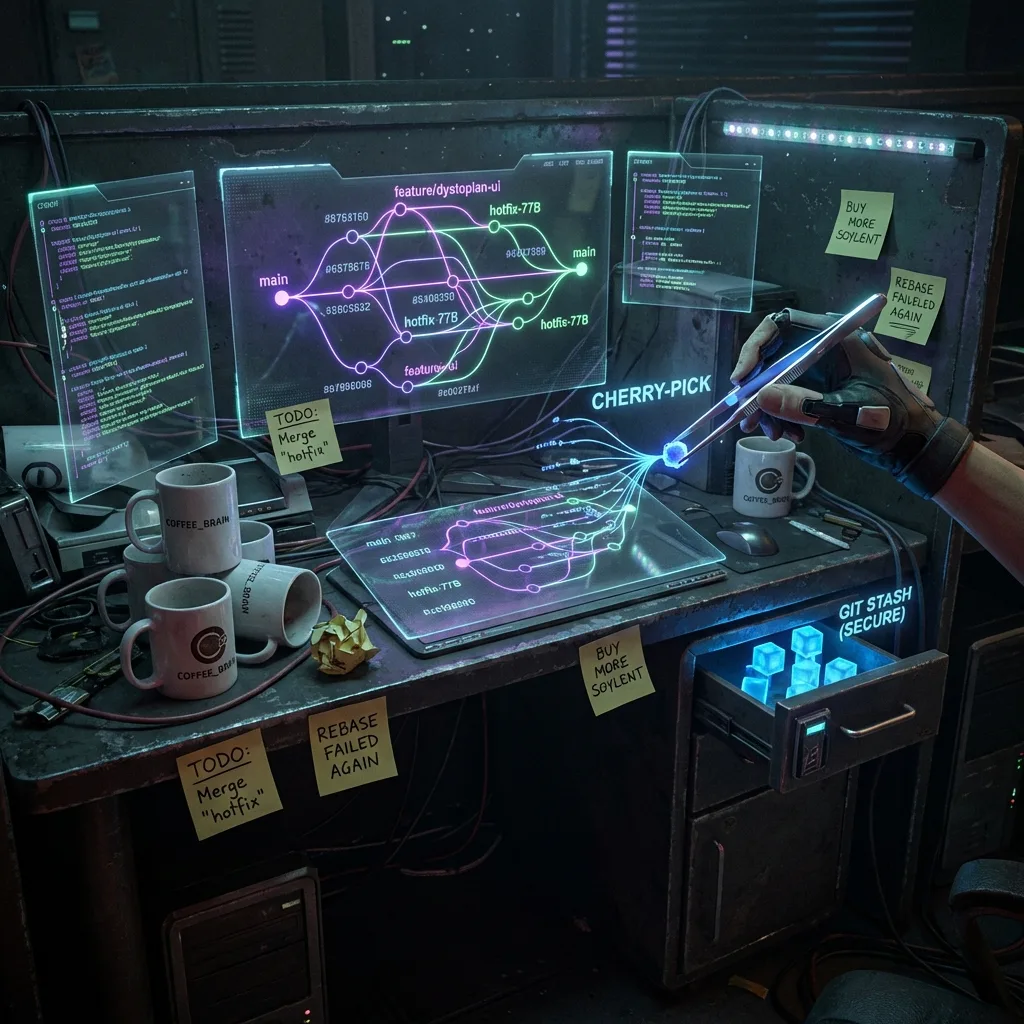
Git in the real world: stash, cherry-pick, blame and surviving big teams
Git applied to real-life team work: stash, cherry-pick, blame, hotfixes and collaboration flows without losing your mind.
✨TL;DR / Executive Summary
Git applied to real-life team work: stash, cherry-pick, blame, hotfixes and collaboration flows without losing your mind.
💡 TL;DR (Too Long; Didn't Read)
Real-world Git is about pragmatism.
git stashpauses work without messing up history.git cherry-picksurgically moves commits between branches.git blameshows context, not guilt. Hotfixes need a clear flow: separate branch, merge to main, then to develop. Small commits, clear branch names, and documenting what was done save hours of drama in large teams.
In tutorials, Git looks simple: clone, commit, push, merge and done.
In real life you have:
- Production hotfixes in the middle of a sprint
- Huge PRs nobody wants to review
- Devs who disappear and leave half-baked branches
- Bugs that are in production but "work on my machine"
In this article were leaving toy Git behind and going into war Git:
git stashto pause the mess without losing workgit cherry-pickto surgically move commits aroundgit blame(and when NOT to use it)- Strategies for hotfixes, backports and support branches
- Small habits that prevent drama in big teams
Half strategy, half hands-on.
1. git stash: pause, breathe, resume later
Youre midway through a feature when the PM shows up:
"Theres a production bug, needs to be fixed now."
Your working directory is chaos. Nobody wants to make a garbage commit just to switch branches.
1.1. Stash basics
# save current changes into an anonymous stash
git stash

# equivalent, being explicit
git stash push -m "WIP: feature X in the middle of chaos"
Then, list stashes:
git stash list

# typical output
stash@{0}: On feature-x: WIP: feature X in the middle of chaos
stash@{1}: On main: Adjust logs
To bring your work back:
# apply and remove from stack
git stash pop

# apply but keep the stash in the list
git stash apply stash@{1}
1.2. Stash only specific files
You can stash only part of the mess:
git stash push -m "Frontend only" src/frontendOr only whats already staged:
git stash push -m "Staged only" --staged1.3. Cleaning up stashes
End of day and you have 15 stashes lying around:
# see contents of a specific stash
git stash show -p stash@{2}

# drop a specific one
git stash drop stash@{2}

# drop them all (careful)
git stash clear
Spicy take: stash is not a trash bin or TODO list. If you live with 20 open stashes, youre using it wrong.
2. git cherry-pick: Gits scalpel
git cherry-pick is what you use when you want just one commit (or a few) from somewhere else.
Classic scenarios:
- Bugfix done on
developthat needs to go tomainnow - You want to reuse a commit from a dead branch
- A PR is huge but only 2 commits are relevant
2.1. Basic usage
# while on the branch where you want the changes

git checkout main

git cherry-pick a1b2c3d
This will create a new commit on main with the same changes as that hash.
2.2. Cherry-picking multiple commits
Continuous range:
# includes all commits in (a, b], excluding a, including b
git cherry-pick a1b2c3d..f6g7h8i
Specific list:
git cherry-pick a1b2c3d f6g7h8i 11223342.3. Handling conflicts
Conflicts are normal. Git will tell you which files you need to fix.
Flow:
# 1. Resolve conflicts in the files

# 2. Mark them as resolved
git add <files>

# 3. Continue the cherry-pick
git cherry-pick --continue
If you give up halfway:
git cherry-pick --abort2.4. When NOT to use cherry-pick
- As a "merge simulator"
- As a shortcut to copy an entire branch
If youre cherry-picking 10+ commits, its probably time to think about:
- A rebase, or
- A proper merge
Social tip: document important cherry-picks in the commit message or PR. Whoever debugs this in the future will silently thank you.
3. git blame: code tool, not HR weapon
git blame shows who changed each line of a file.
git blame src/app/service/user_service.jsOutput (simplified):
a1b2c3d (john 2024-03-10 12:34:56)   if (user.isActive()) {
...
3.1. Using blame wisely
Use it to:
- Understand the context of a change
- See which PR/commit introduced something
- Find who might have context about a dark corner of the codebase
Example with line range:
git blame -L 50,90 src/app/service/user_service.jsThis shows only lines 50 to 90.
3.2. When blame turns toxic
If your teams culture becomes:
"Who was the genius that wrote this?"
You have a people problem, not a Git problem.
Battle-hardened but decent dev advice:
- Use blame to invite people into the conversation, not for Slack screenshots.
- Bugs are more about process than about one person.
Spicy take: if every bug turns into a witch-hunt via
git blame, the real bug is the culture.
4. Hotfixes, backports and support branches
In real life, you almost always have something like:
- A stable branch (
mainormaster) - A development branch (
developor similar) - Releases in production that still need support
4.1. Fast production hotfix
Typical flow:
- Youre on some feature branch, stashed or with WIP changes.
- A critical production bug appears.
Steps:
# stash your current work
git stash push -m "WIP feature-x"

# create a hotfix branch from main
git checkout main
git pull

git checkout -b hotfix/critical-bug-123

# fix the bug, commit
git commit -am "Fix: critical bug 123"

git push -u origin hotfix/critical-bug-123
Then:
- Open a PR from
hotfix/critical-bug-123->main - After merge, merge or cherry-pick the hotfix into
develop.
4.2. Backporting to older versions
You have release branches in production (e.g. release/1.2, release/1.3).
The bug was fixed on main, but needs to go into release/1.2.
# on the release branch that needs the fix
git checkout release/1.2

git cherry-pick <fix-commit-hash>
Document in the PR that this commit was backported to other versions.
4.3. Long-term support branches
Larger teams often have something like:
main: always production-readydevelop: continuous integration of featuresrelease/x.y: code stabilizing for a specific releasehotfix/x.y.z: quick fixes for production
You dont need a full-blown GitFlow religion, but consistent branch names already prevent a lot of confusion.
5. Git habits that scale in big teams
A few simple behaviors make Git stop being the villain.
5.1. Small, focused commits
Avoid:
"general fixes"
"stuff"
"fix"
Prefer:
"Refactor password validation"
"Add error logging to checkout flow"
"Fix discount calculation for expired coupons"
Smaller commits:
- Are easier to review
- Dont destroy
git blame - Make cherry-picks much nicer
5.2. Branches with a clear purpose
Helpful naming patterns:
feature/<ticket>-short-descriptionbugfix/<ticket>-short-descriptionhotfix/<ticket>-short-description
Example:
feature/1234-product-listing
bugfix/5678-cart-not-saving
hotfix/9012-payment-loop
5.3. Interactive rebase to clean up history
Before opening a PR, consider cleaning up your branch history:
git rebase -i origin/mainIn the editor you can:
- Rewrite commit messages
- Squash "WIP" commits
- Drop useless commits
Survival rule: rewrite your history as much as you want before the PR. Once its merged into a shared branch, treat history as immutable (except in special, agreed-upon cases).
6. Checklist for Git in large teams
Before blaming Git, check this:
- Do you know how to use
stashto pause work? - Do you know how to cherry-pick a specific fix between branches?
- Do you use
blameto understand context, not to roast colleagues? - Is your hotfix flow clear to the whole team?
- Is your commit history readable by humans?
If half of this is new, you have lots of easy wins waiting.
Enjoyed this tour of real-world Git?
Send it to that friend who still solves hotfixes by copying files over FTP.
Find me on X/Twitter: @gss_62
#git #gittips