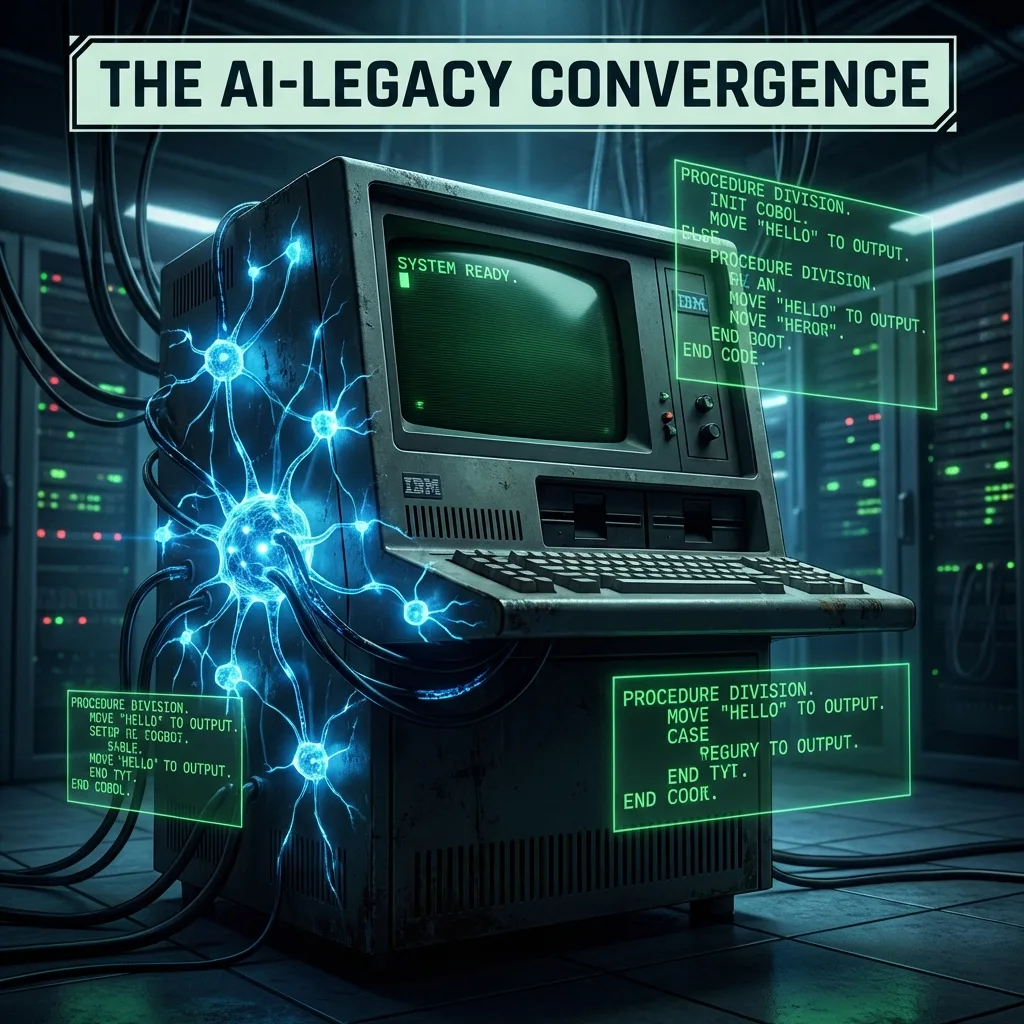
AI in Legacy Systems: Making Mainframes and COBOL Work with LLMs
70% of global banking volume still runs on COBOL. A technical guide to augmenting mainframes with LLMs instead of attempting a decade-long rewrite.
✨TL;DR / Executive Summary
70% of global banking volume still runs on COBOL. A technical guide to augmenting mainframes with LLMs instead of attempting a decade-long rewrite.
💡 TL;DR (Too Long; Didn't Read)
The Reality: 70% of global banking transaction volume still runs on COBOL. "Replacing the mainframe" is a decade-long trap. The real opportunity is augmentation, not immediate replacement.
The Strategy: Don't let AI write COBOL. Use AI to understand legacy code (via RAG), extract specifications (to guide migration), and orchestrate safe operations via strictly typed tools.
The Architecture: Implement "AI at the Edge" (read-only RAG) first. Move to "In-Band Mediation" (AI using authorized APIs) only with strict guardrails. Treat the mainframe as the immutable kernel, and AI as the flexible interface layer.
Modern AI tooling is optimized for greenfield: microservices, REST/GraphQL APIs, JSON everywhere, CI/CD on top of GitHub. Reality in large enterprises is the opposite. Core revenue still flows through mainframes, COBOL, PL/I, IMS, CICS, JCL, Oracle forms, and nightly batch jobs that nobody wants to touch.
"AI in legacy systems" is not a marketing slogan; it's a hard engineering problem:
- You can't break SLAs on systems processing billions of dollars per day.
- You can't just upload the COBOL source to a cloud LLM.
- You must work around decades of implicit knowledge encoded in code and job control scripts.
This article is a technical walkthrough of how to make AI useful in this environment without turning your mainframe into an expensive brick.
1. What Counts as a "Legacy System" Here?
We’re not just talking about "old code". In this context, legacy system usually means:
- Platform: z/OS, IBM i, mainframes, or old UNIX variants
- Language: COBOL, PL/I, NATURAL, RPG, sometimes early Java 1.4 era monoliths
- Data: VSAM, IMS/DB, DB2 on mainframe, EBCDIC encoding, custom binary formats
- Interaction model:
- CICS/IMS transactions (green screens)
- JCL batch jobs
- Message queues (MQ)
Typical constraints:
- Regulated data (PCI, HIPAA, banking).
- Limited or no external network access from the mainframe.
- Undefined ownership of code sections (original authors long gone).
- Huge implicit domain knowledge encoded in "we always ran job X before job Y".
AI integration must respect this reality.
2. Integration Patterns: How AI Touches Legacy Safely
There are three broad patterns that tend to work in production:
2.1 AI at the Edge (No Direct Mainframe Access)
AI never touches the mainframe directly. Instead, it augments humans who do.
Examples:
- A "COBOL explainer" that:
- Parses copybooks.
- Resolves includes.
- Produces natural language summaries of paragraphs/sections.
- A runbook assistant:
- You paste JCL or logs.
- It explains what the job does, what the RC codes mean, and what to check next.
Technically, this is just RAG (Retrieval-Augmented Generation) over:
- Local clones of COBOL source repositories.
- Operational wikis.
- Execution logs.
No runtime integration, no write access. Lowest risk; high ROI in understanding and onboarding.
2.2 Read-Only AI Integration
AI can access production-like read-only views:
- Shadow copies of DB2 tables.
- Sanitized VSAM snapshots.
- System logs.
Use cases:
- Impact analysis: "What programs read/write the CUSTOMER table?"
- Data lineage: "Which batch jobs transform field
LIMIT_AMT?"
You typically build:
-
Connectors/extractors that:
- Dump catalog metadata (tables, files, programs).
- Export code + copybooks.
- Normalize everything to UTF‑8 and store in an index.
-
Semantic index (e.g. on a vector DB) with:
- Embeddings of code segments, JCL jobs, table definitions.
- Metadata: file name, system, last change date, owner, etc.
-
LLM frontend that:
- Translates a natural language question into search queries.
- Retrieves relevant artifacts.
- Uses them as context for answering.
Still no runtime mutation. You gain understanding but not automation.
2.3 In-Band Mediation (APIs + Tools)
This is where AI can indirectly act on the legacy system through strictly controlled tools:
- A façade microservice in front of CICS/IMS exposing:
POST /customer/{id}/update-addressPOST /loan/{id}/change-limit
- A job orchestrator API for:
- Submitting JCL with parameterization.
- Checking job status.
- Retrieving logs.
The LLM never sends raw 3270 key sequences or JCL. Instead, it calls:
// Pseudo‑TypeScript tool description
type Tools = {
  submitJob: (jobName: string, params: Record<string, string>) => Promise<{ jobId: string }>;
  getJobStatus: (jobId: string) => Promise<"PENDING" | "RUNNING" | "SUCCESS" | "FAILED">;
  updateCustomerLimit: (customerId: string, newLimit: number) => Promise<"OK" | "REJECTED">;
};
The LLM is orchestrating high‑level operations. The hard logic remains in mainframe land.
3. Architecture: A Pragmatic AI–Legacy Stack
A typical architecture that survives security review looks like this:
-
User/Client Layer
- Web UI, CLI, or chat interface (e.g., internal Slack/Teams bot).
- Authentication via SSO / corporate IdP.
-
AI Orchestrator Service
- Runs in a secure Kubernetes cluster or VM inside the same VPC as the mainframe gateway.
- Talks to the LLM (either:
- on‑prem model, or
- through a broker that enforces PII/SPI masking).
-
RAG & Knowledge Layer
- Index of:
- COBOL/PL/I code.
- DB schemas.
- JCL/job graphs.
- Architecture docs.
- Vector + keyword search.
- Index of:
-
Tooling/Gateway Layer
- Typed APIs for:
- Job submission.
- Querying operational data (logs, statuses).
- Limited transactional operations (update contact info, limits, flags).
- All with auditing and guardrails.
- Typed APIs for:
-
Legacy Systems
- Mainframes, DB2, IMS, MQ.
- No direct exposure to the LLM; only via the gateway.
Example: Orchestrator Flow (High Level)
def handle_user_request(user, nl_request):
    # 1. Classify the intent
    intent = classify_intent(nl_request)

    # 2. Retrieve relevant domain knowledge (RAG)
    context_docs = rag_search(nl_request, top_k=8)

    # 3. Use the LLM with tools available
    response = llm.chat(
        messages=[
            {"role": "system", "content": SYSTEM_PROMPT},
            {"role": "user", "content": nl_request},
            {"role": "system", "content": f"Context: {serialize_docs(context_docs)}"},
        ],
        tools=TOOLS_SPEC,  # updateCustomerLimit, submitJob, etc.
    )

    # 4. Execute tool calls only if they match allow‑list & policy
    actions = extract_tool_calls(response)
    vetted_actions = apply_policies(user, actions)

    results = []
    for action in vetted_actions:
        results.append(execute_tool(action))

    # 5. Summarize final outcome for the user
    return summarize_results(llm, nl_request, context_docs, results)
4. LLM Use Cases that Actually Work on Legacy
4.1 Code Comprehension and Domain Discovery
Consider a COBOL program:
       IDENTIFICATION DIVISION.
       PROGRAM-ID.  CHGCRDL1.

       DATA DIVISION.
       WORKING-STORAGE SECTION.
       01  WS-NEW-LIMIT        PIC 9(7)V99.
       01  WS-CURRENT-LIMIT    PIC 9(7)V99.
       01  WS-RISK-SCORE       PIC 9(3).

       PROCEDURE DIVISION.
       1000-CHANGE-LIMIT.
           IF WS-RISK-SCORE > 700
               AND WS-NEW-LIMIT < (WS-CURRENT-LIMIT * 1.5)
               PERFORM 2000-APPLY-LIMIT
           ELSE
               PERFORM 3000-REJECT-LIMIT
           END-IF.
An LLM, with proper prompting and context, can:
- Explain in plain English (or Portuguese) the business rule.
- Locate every other program that references
WS-RISK-SCORE. - Build a cross‑reference map of fields ↔ programs ↔ jobs.
The trick is not just "ask the model what this does", but:
-
Pre‑process COBOL:
- Resolve
COPYstatements. - Inline includes where useful.
- Normalize formatting.
- Resolve
-
Embed semantic chunks (paragraph‑level, not file‑level) and index them.
-
At query time, feed the right surrounding context to the LLM.
4.2 Test Data and Scenario Generation (Masked)
Legacy systems are notoriously hard to test because test data is:
- Either production‑like and sensitive.
- Or synthetic and useless.
AI can help generate synthetic but realistic data:
- Respecting field constraints (PIC definitions).
- Respecting business rules extracted from code.
Pipeline example:
- Extract field specs from copybooks.
- Ask LLM to generate data conforming to PIC + constraints.
- Validate synthetic data with a rules engine before inserting into test DBs.
4.3 Migration Assistance (Specs, Not Direct Rewrite)
Naïve "COBOL → Java" with an LLM is a bad idea. You tend to get line‑by‑line translations that:
- Keep the same nested
PERFORMspaghetti. - Lose transactional semantics (e.g., CICS
SYNCPOINT).
A safer pattern is:
-
Use the LLM to extract a formal spec:
- Inputs/outputs.
- Pre/post‑conditions.
- Error handling paths.
- SLA/throughput expectations.
-
Have humans design a modern implementation (e.g., a stateless service + DB).
-
Use LLM to generate scaffolding (DTOs, controller, mappers, tests), not the core business logic.
In MDX you might even embed the extracted specification as a code block:
contract:
  operation: "ChangeCreditLimit"
  inputs:
    - name: customerId
      type: string
    - name: newLimit
      type: decimal(9,2)
    - name: riskScore
      type: integer
  invariants:
    - "newLimit <= currentLimit * 1.5 when riskScore > 700"
    - "Reject change if riskScore <= 700"
  side_effects:
    - "Persist new limit in CUSTOMER_LIMIT table"
    - "Write audit record to LIMIT_AUDIT"
This is where LLMs shine: transforming messy code into structured specs.
5. Failure Modes and How to Avoid Them
When you let AI near legacy systems, there are some classic failure modes.
5.1 Hallucinated Operations
The model might "invent" a JCL step, transaction code, or DB table that looks plausible but doesn’t exist.
Mitigation:
- Tools must have strict schema/command validation.
- Every AI‑requested operation is checked against:
- A registry of allowed JCL templates.
- A schema registry of tables/columns.
- Whitelisted transaction codes.
5.2 Character Encoding & Data Layout Issues
Many LLM pipelines assume UTF‑8, JSON, and newline‑delimited text.
Legacy reality:
- EBCDIC on disk.
- Fixed‑width records.
- Packed decimals (COMP‑3).
Mitigation:
-
All extraction/ingest flows must:
- Decode EBCDIC → UTF‑8.
- Preserve offsets and field boundaries.
- Annotate each field with layout metadata.
-
When generating code that touches data layout, LLM output must be:
- Validated by parsers (e.g., a COBOL parser or copybook parser).
- Rejected if field boundaries don’t align.
5.3 Latency and Throughput
LLMs have non‑trivial inference latency. Tying them into synchronous online transactions is risky.
Mitigation patterns:
-
Use LLMs offline/async:
- For analysis, specification, documentation.
- For batch orchestration planning, not per‑transaction decisions.
-
For real‑time flows:
- Precompute strategies or models offline.
- Deploy distilled/rule‑based artifacts next to the legacy system.
6. A Concrete End‑to‑End Flow
Let’s walk through a realistic scenario:
"Increase the credit card limit approval threshold from 1.5x to 1.8x for high‑risk customers."
Step 1 — Query Understanding
The engineer types the request into the AI assistant. The LLM:
- Identifies the domain: "credit limit rules".
- Searches the RAG index for:
- Programs related to
LIMIT,RISK,CREDIT. - DB tables like
CUSTOMER_LIMIT,CUSTOMER_RISK. - JCL jobs deploying those modules.
- Programs related to
Step 2 — Localization in Legacy Code
The system finds the earlier CHGCRDL1 COBOL program and highlights:
IF WS-RISK-SCORE > 700
    AND WS-NEW-LIMIT < (WS-CURRENT-LIMIT * 1.5)
    PERFORM 2000-APPLY-LIMIT
ELSE
    PERFORM 3000-REJECT-LIMIT
END-IF.
The LLM proposes a diff, not a blind rewrite:
-        AND WS-NEW-LIMIT < (WS-CURRENT-LIMIT * 1.5)
+        AND WS-NEW-LIMIT < (WS-CURRENT-LIMIT * 1.8)
Step 3 — Human Review + Impact Analysis
Before any change:
-
Impact analysis:
- Which other programs call
CHGCRDL1? - Which batch jobs package and deploy it?
- Are there audit/compliance rules tied to the 1.5x value?
- Which other programs call
-
The AI suggests:
- Test cases for:
- Risk score = 701 with limit = 1.7x current.
- Risk score = 699 with limit = 1.6x current.
- Test cases for:
Step 4 — Change Implementation
Depending on governance:
-
The AI generates:
- A patch file.
- Updated test cases.
- Documentation snippet for the change log.
-
A human:
- Reviews the patch.
- Runs it through mainframe CI (e.g., z/OS build pipelines).
- Approves deployment.
AI is the accelerator, not the source of truth.
7. Practical Takeaways
For teams running legacy systems and wanting to use AI seriously, the playbook is:
-
Start with understanding, not automation
Build RAG‑based assistants for code comprehension, data lineage, and documentation first. -
Never give the LLM raw mainframe credentials
Always mediate through typed, audited tools with allow‑lists. -
Make data layout a first‑class concept
Treat copybooks and schemas as your "contracts". Parse and validate everything against them. -
Use AI to extract specs, not to "port code"
Migration success depends on clean domain models, not on automagical COBOL→Java rewrites. -
Keep humans in the commit loop
AI can propose patches, but humans must own merges to mission‑critical code.
Done right, AI in legacy systems doesn’t mean "replace the mainframe". It means turning decades of opaque, risky code into a system that your current engineers can understand, evolve, and eventually—when it makes economic sense—modernize with confidence.